01One floor plan for everyone
Online bookings or walk-ins.
Every seat accounted for.
All requests use the same floor plan. A seat cannot be sold twice for the same time.
Tashkent clubs — in one place
Compare clubs, choose a computer and book a time.
It opens in Telegram — no extra app needed.
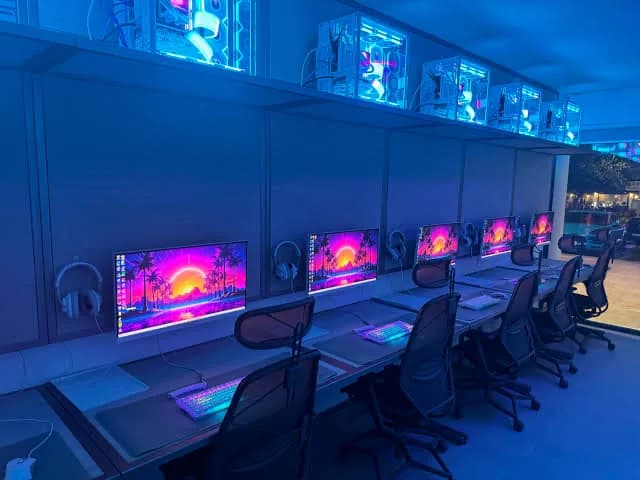

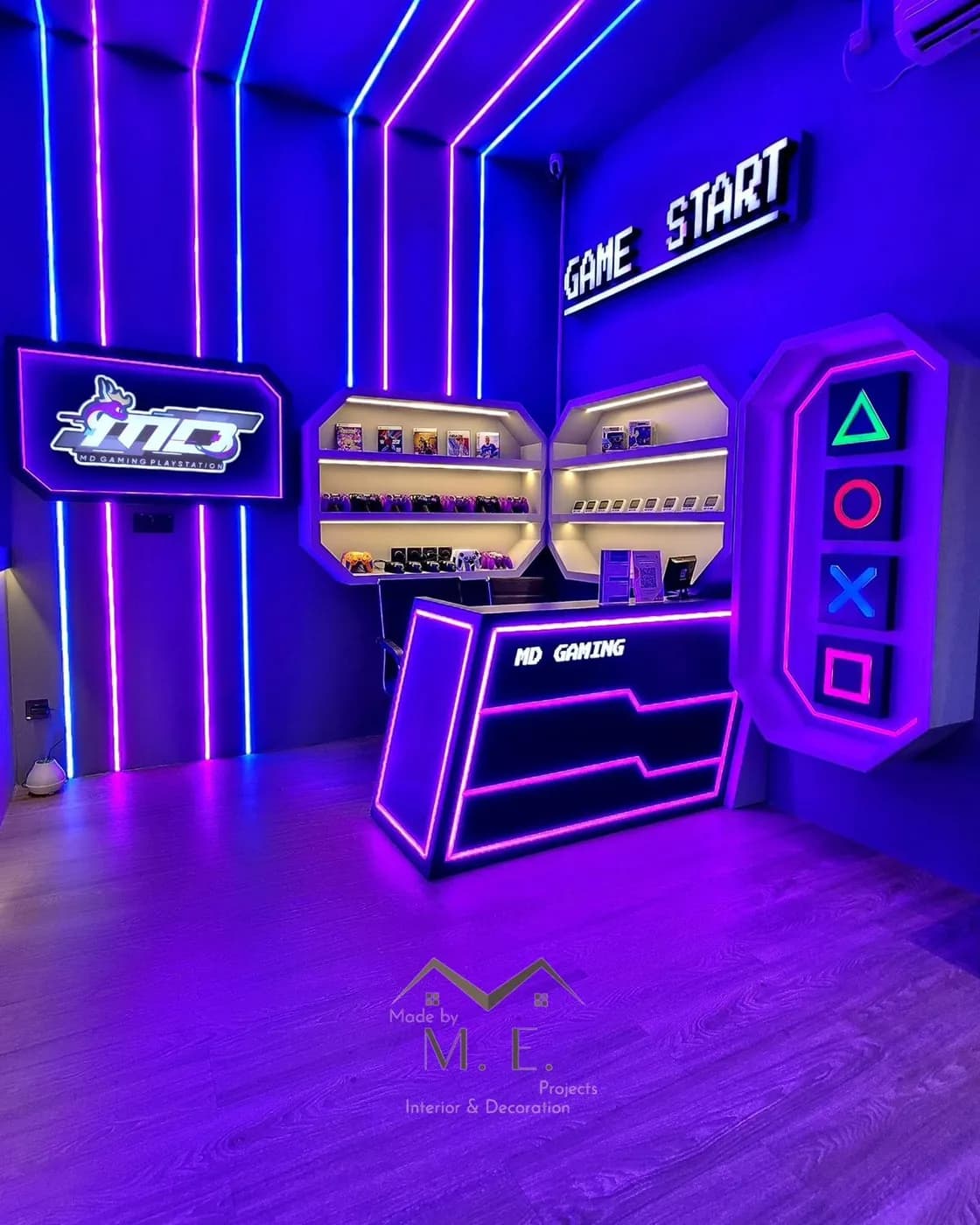

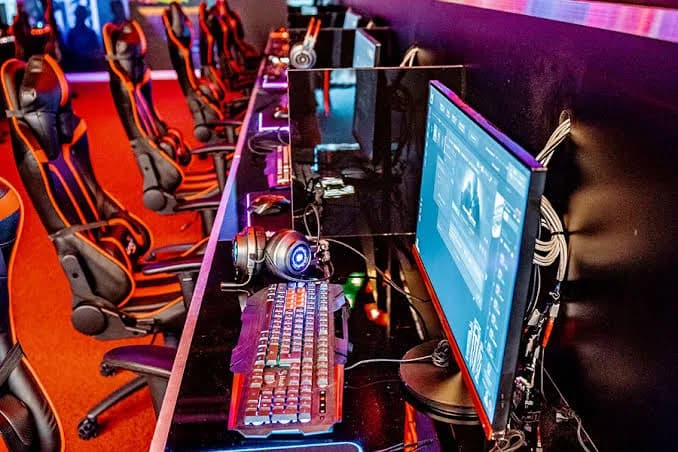



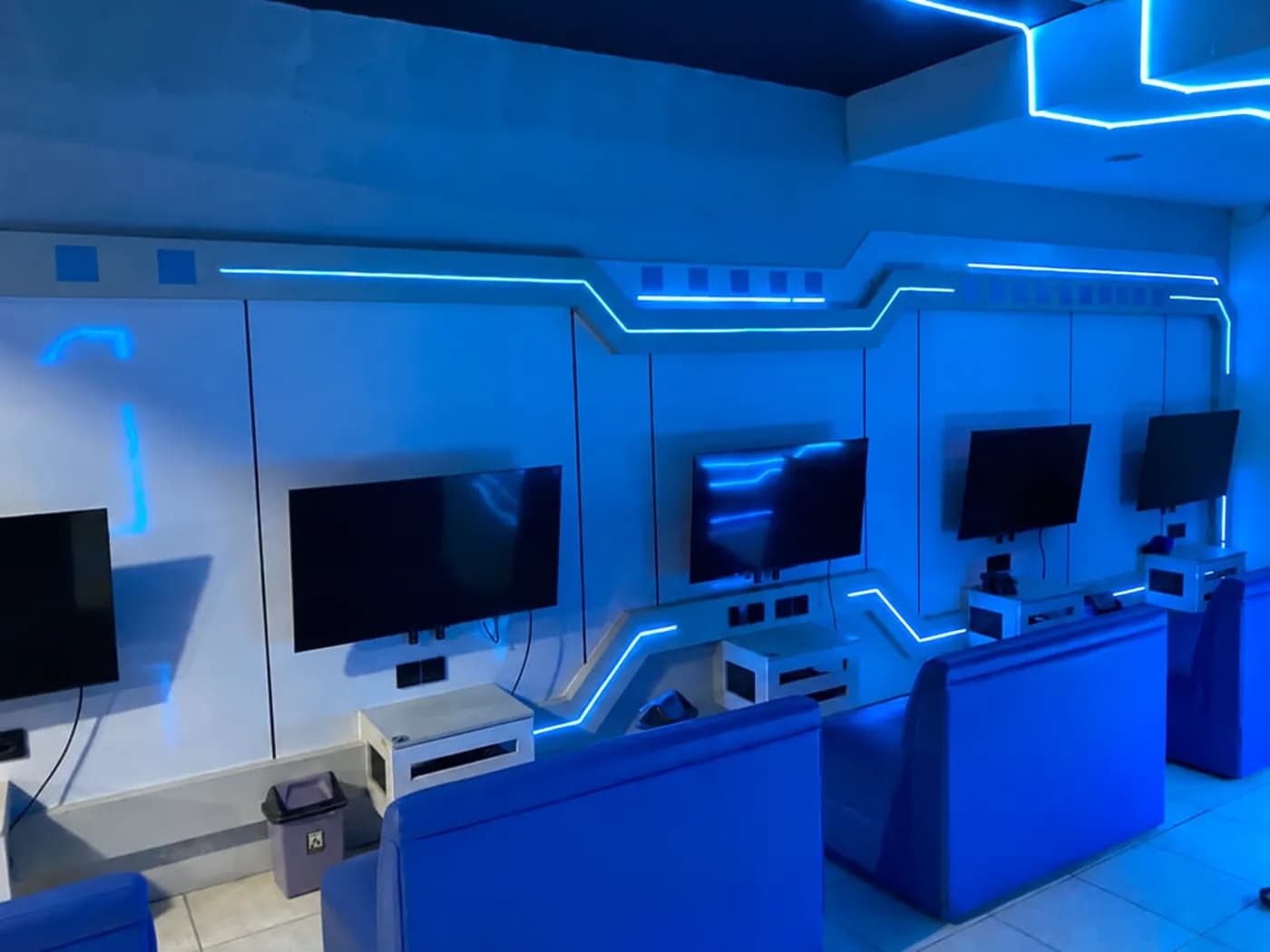
Standard
Example floor. Seats and equipment depend on the club.
For players
See the floor and free seats beforehand. It makes planning with friends easier.
Compare the computers, location, and hourly rate. Pick a club that works for you.
Open the floor plan, choose a computer and time. If you’re with friends, pick seats together.
Your booking stays in Telegram. Show the code at the counter and sit down.
For clubs
See who is seated, who is on the way, and how the floor is doing — all in one view.
Open the club consoleStandard zone
The whole floor at a glance.
Try another available seat.
This is only an example — nothing is booked.
All requests use the same floor plan. A seat cannot be sold twice for the same time.
See arrivals, update zone rates, and keep an eye on occupancy and revenue from one place.
From chat to club
Just three steps:
and you’re ready to play.
Open ClubHub in Telegram, compare clubs, and choose one that’s easy to get to.
Close to home.Choose a time and seats, check the total, and confirm the booking.
You know the seat and price up front.Show the code at the desk, pay for the session, and sit down at your computer.
No calls or last-minute messagesBefore your first booking
A few useful answers
the things worth knowing.
No. Open ClubHub in Telegram. You’ll need a username and your own phone number to finish signing in, then you can book.
Yes. Choose several seats on the floor plan for the same time, then check that they are next to each other before confirming.
Pay at the club when you arrive. The total is shown before you confirm, so there are no surprises at the counter.
Open your booking to cancel. The club’s cancellation rules apply. If a late-cancellation charge applies, you’ll see the amount and be asked to confirm before it is accepted.
Yes. Staff can add a walk-in to the same system as online bookings. Availability updates for everyone, so a seat cannot be sold twice for the same time.
Open ClubHub in Telegram and go to the club console. You need a staff, manager, or owner role.
Feedback
A question, an idea, or a club you want to connect — the ClubHub team reads every message.